


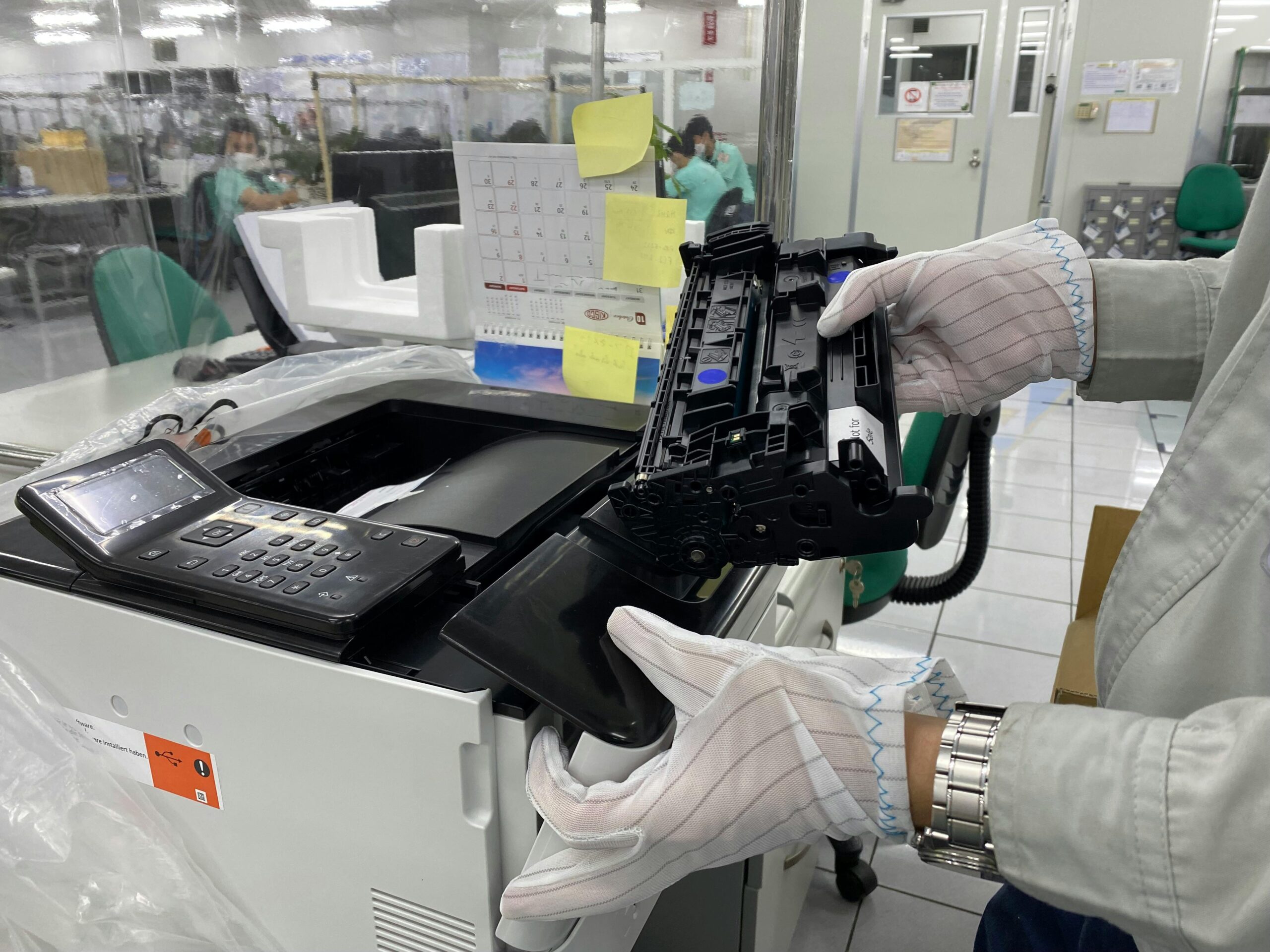
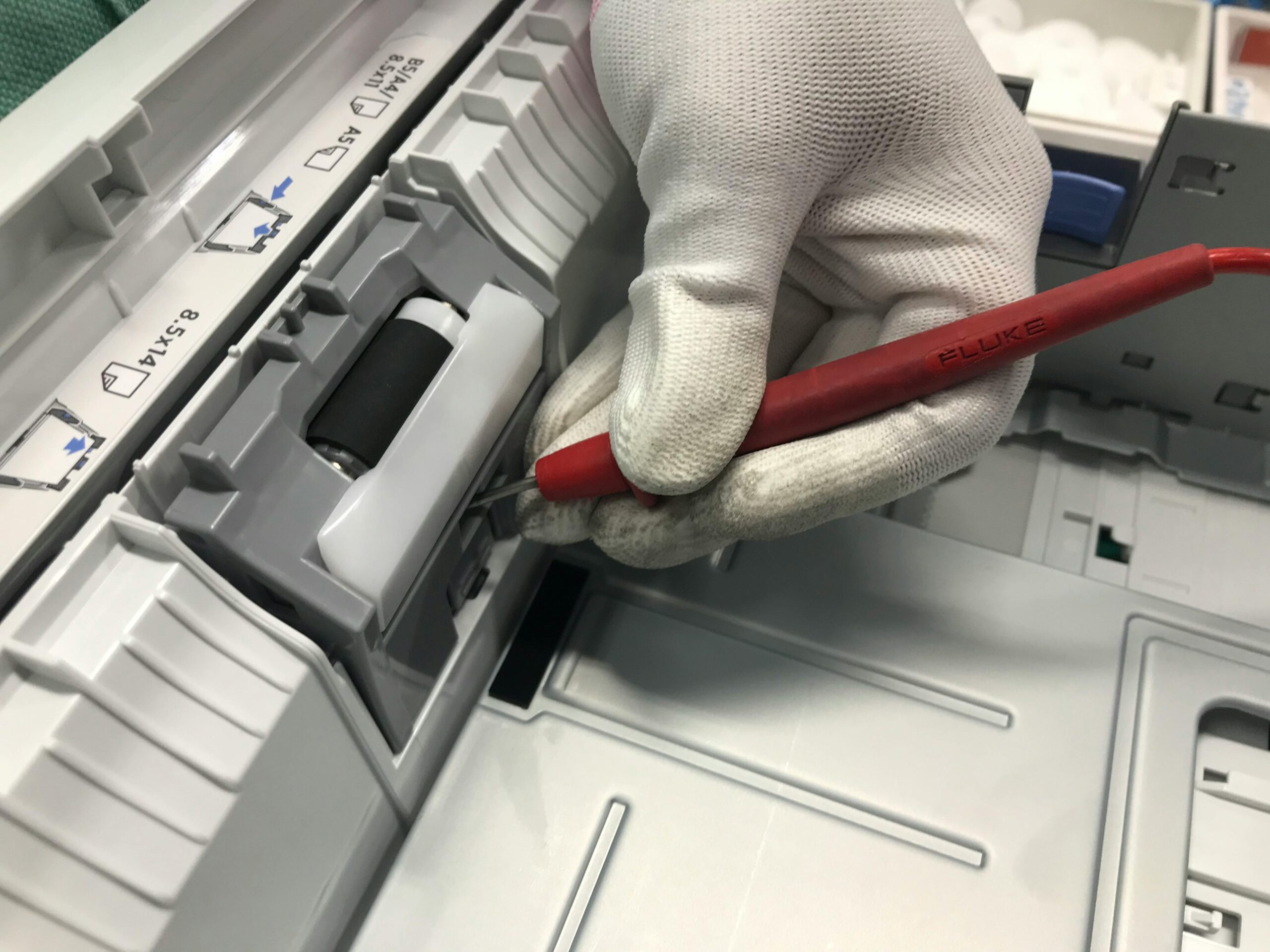


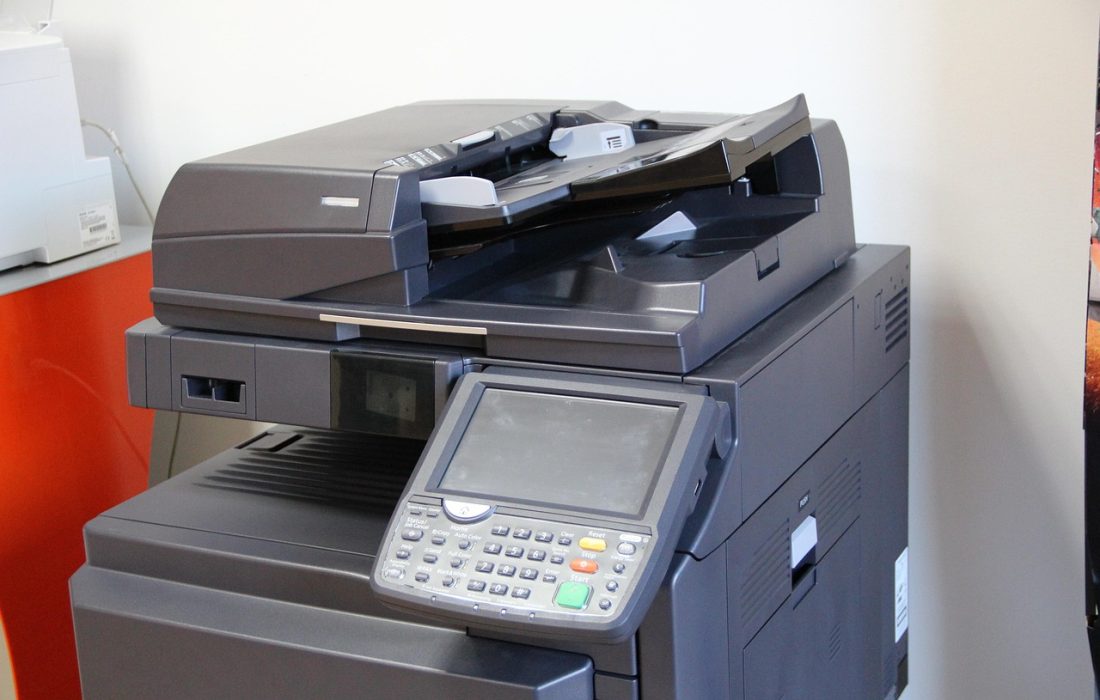
In modern copiers and laser printers, several internal components work together to produce clear and consistent prints. Among these components, the developer unit plays a crucial role in transferring toner onto the drum and ensuring stable image quality. However, many end users and even some technicians overlook the importance of this component.
For printer service providers, maintenance technicians, and copier distributors, understanding how developer units function is essential for maintaining print quality, extending machine lifespan, and reducing service calls. When developer units are not maintained properly or replaced at the right time, printing problems such as faded images, uneven density, or background shading may occur.
This article explains how developer units work, why they are important in copier systems, common issues that occur with them, and what service providers should know to maintain optimal machine performance. We will also discuss how reliable consumables and components such as TOC compatible supplies support stable printing environments.
Understanding the Role of the Developer Unit
In laser printers and copiers, the printing process involves several key stages, including charging, exposure, developing, transferring, and fusing. The developer unit is responsible for the developing stage, where toner particles are applied to the electrostatic image created on the drum.
The developer unit typically contains:
- Developer carrier particles
- Toner powder
- Magnetic rollers
- Mixing mechanisms
These components work together to attract toner to the correct areas of the drum, allowing the image to be transferred onto paper.
Without a properly functioning developer unit, the printer cannot maintain consistent toner distribution. This leads to visible defects in printed documents and images.
How the Developer Unit Works
To understand why developer units are so important, it helps to look at the basic process inside a copier.
Step 1: Electrostatic Image Formation
The printer’s drum receives an electrostatic charge and then a laser or LED system writes the image onto the drum surface. This creates a pattern of charged and discharged areas that represent the image to be printed.
Step 2: Toner Attraction
Inside the developer unit, the magnetic roller carries toner mixed with developer carrier particles. These particles help control the toner charge and ensure even distribution.
The charged toner is then attracted to the areas on the drum where the electrostatic image has been created.
Step 3: Image Development
As the drum rotates past the developer unit, toner attaches to the correct areas of the drum surface, forming the visible image that will eventually be transferred to paper.
If the developer mixture becomes unbalanced or worn out, the image development process becomes unstable.
Why Developer Units Are Important for Print Quality
Developer units directly influence several aspects of print quality.
Consistent Toner Density
A well-maintained developer unit ensures that toner is applied evenly across the drum surface. This results in consistent text darkness and image density.
When the developer unit begins to wear out, toner distribution may become uneven, causing prints to appear too light or patchy.
Stable Image Formation
Developer carrier particles help regulate toner charge. This ensures that toner attaches only to the intended areas on the drum.
If the developer mixture becomes contaminated or degraded, toner may stick to unwanted areas, creating background shading or gray haze on prints.
Sharp Image Details
Proper toner development ensures that fine lines and small text remain clear and sharp. Poor developer performance can cause blurred edges or reduced image clarity.
Common Developer Unit Problems
Service providers frequently encounter print quality issues related to developer units. Recognizing these symptoms helps technicians diagnose problems quickly.
Faded Prints
When the developer mixture loses its ability to charge toner properly, prints may become noticeably lighter than normal.
This often occurs when the developer carrier particles have reached the end of their service life.
Background Shading
A worn or contaminated developer unit may allow toner to stick to areas of the drum that should remain blank. This results in gray background shading across printed pages.
Uneven Density
If toner distribution becomes inconsistent inside the developer unit, prints may display darker or lighter areas across the page.
Toner Scatter
When developer components fail to maintain proper toner charge, loose toner may scatter inside the machine, potentially affecting other components.
Developer Unit Maintenance Best Practices
For copier service providers, proper maintenance of developer units is essential for ensuring machine reliability and minimizing downtime.
Follow Manufacturer Replacement Intervals
Most copier manufacturers recommend replacing or refreshing the developer mixture after a specific number of printed pages.
Ignoring these intervals may result in declining print quality and additional wear on other components.
Use Compatible Toner Designed for the System
Toner formulation must match the developer system used in the copier. Poor-quality toner can disrupt the balance between toner and developer particles.
Reliable consumables such as TOC compatible toner are formulated to maintain proper electrostatic properties, ensuring stable interaction with developer systems.
Keep the Interior of the Machine Clean
Dust, paper particles, and loose toner can contaminate the developer unit. Regular cleaning during routine maintenance helps protect developer performance.
Monitor Toner Density Settings
Some modern copiers include automatic toner density sensors. Technicians should check calibration settings to ensure the developer system is operating correctly.
When Developer Units Should Be Replaced
Developer units do not last forever. Over time, the carrier particles wear down and lose their ability to maintain the correct toner charge.
Signs that replacement may be necessary include:
- Persistent light prints
- Frequent toner density adjustments
- Background shading that does not disappear after cleaning
- Developer unit error codes on the machine
Replacing the developer unit at the correct maintenance interval helps maintain print quality and prevents more serious machine problems.
Why Service Providers Must Understand Developer Systems
For copier service companies and technicians, understanding developer systems provides several advantages.
Faster Troubleshooting
Knowing how developer units function allows technicians to identify the root cause of print quality problems more quickly.
Reduced Maintenance Costs
Proper maintenance prevents unnecessary replacement of other components such as drums or toner cartridges.
Improved Customer Satisfaction
When machines consistently produce high-quality prints, customers experience fewer disruptions and are more satisfied with the service provider.
Choosing Reliable Consumables for Developer-Based Systems
Developer units rely heavily on toner compatibility. Using poorly formulated toner may cause charge imbalance, developer contamination, or excessive wear.
High-quality compatible toner is carefully engineered to match the electrical and physical characteristics required by modern copier systems.
TOC compatible toner cartridges are designed to maintain stable toner charge properties, helping developer systems operate efficiently and deliver consistent print results.
For distributors and service providers, choosing reliable consumables helps reduce service calls and maintain machine reliability for customers.
The Future of Developer Systems in Copiers
Although printing technology continues to evolve, developer systems remain an essential part of many laser printing engines. Manufacturers are constantly improving developer materials and toner formulations to achieve better efficiency and image quality.
Future innovations may include:
- Longer-life developer materials
- More precise toner charge control
- Advanced monitoring systems inside printers
- Improved compatibility with eco-friendly toner formulations
Service providers who understand these systems will be better prepared to support modern printing equipment and deliver reliable maintenance services.
Conclusion
Developer units are a critical yet often overlooked component in copier and laser printer systems. They play a key role in transferring toner onto the drum and ensuring consistent image development.
For service providers, understanding how developer units function is essential for diagnosing print quality issues, maintaining machine performance, and extending the lifespan of printing equipment.
Proper maintenance practices, timely replacement of worn developer materials, and the use of reliable consumables all contribute to stable printing performance.
Brands such as TOC provide compatible toner solutions designed to work effectively with developer-based printing systems, helping service providers deliver dependable results to their customers.
By mastering the fundamentals of developer units, technicians and distributors can ensure smoother operations, higher print quality, and improved customer satisfaction across their printing environments.